


Ever wondered if you could trade without putting your cash on the line? With a paper trading simulator, you get a pretend $100,000 to play around with real market moves right in your browser. It offers the live pulse of market data and lets you make quick trade moves, which means you can try out different strategies without any worry. For beginners, it's a friendly way to boost your trading confidence and pick up key skills with zero financial risk. Stick with it, and you'll soon see three solid wins that show paper trading is a fantastic start if you're curious about the market.
3 paper trading simulator wins for beginners
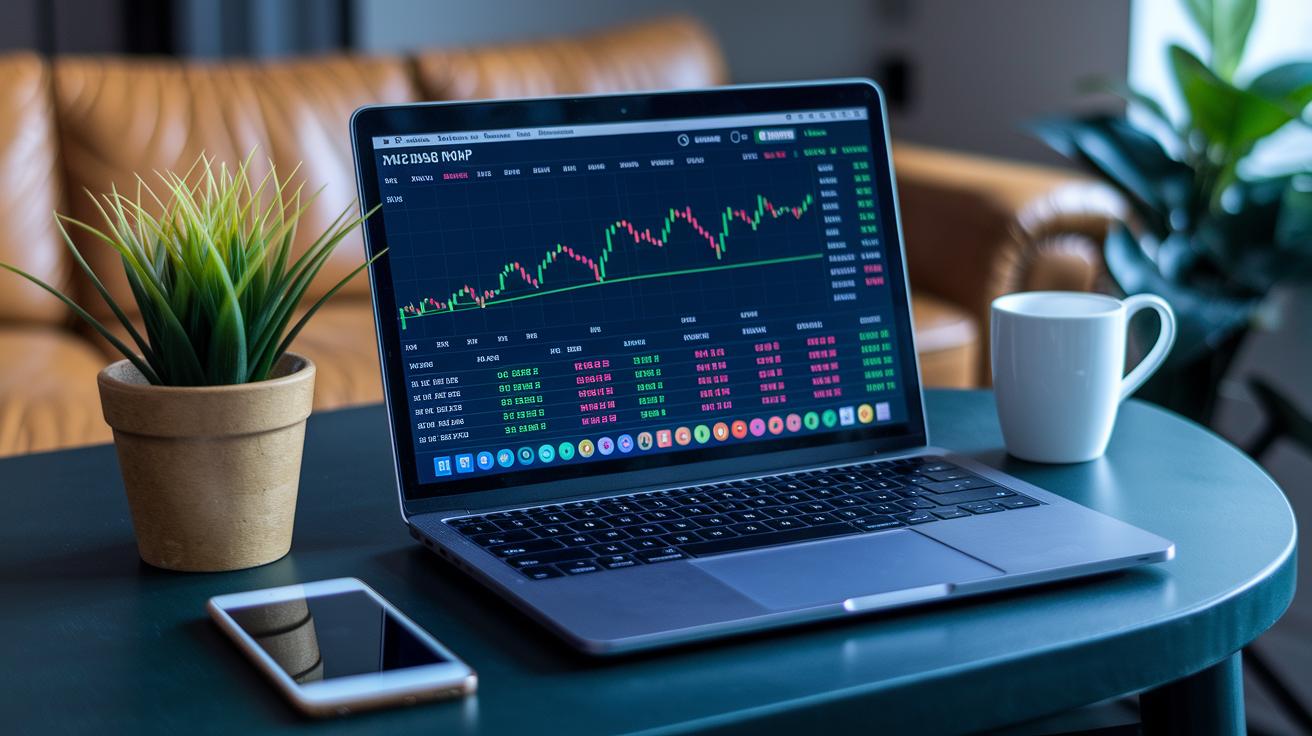
A paper trading simulator is like a practice ground where real market excitement happens without you risking a dime. You jump in using your browser, no sign-up needed, and within seconds, you start with a virtual $100,000 portfolio. It’s a great way to play around with trades while keeping your wallet safe.
This handy tool mimics the real market. It shows you live spreads and quick trade executions, much like the platforms used by pros. You can dabble in a mix of assets such as forex (money from different countries), stocks, crypto, options, CFDs, and ETFs. And with adjustable leverage, you can try out both calm and bold trading moves.
For beginners, the benefits are clear. First, it builds your trading confidence since you can experiment without any risk. Second, it gives you a taste of how fast market moves can be, so you learn to manage order timing and shifts in prices. Third, it’s a hands-on way to understand key trading tools, like live data feeds and speedy order executions. This setup lets you try out strategies and fine-tune your risk management, all without touching your real funds.
Core features to expect in a top paper trading simulator

A great paper trading simulator feels just like real-world markets, even if you're just starting out. It lights up your screen with live data and essential tools that make practice feel exciting. Whether you’re trading on a web platform or using a mobile app when you’re on the go, you’re in for a hands-on experience.
Here are seven must-have features:
-
Real-time market data feeds and live spreads
Picture your screen lighting up like a sports ticker, with prices updating every second, it’s as thrilling as live action on the field. -
Advanced charting tools with multiple timeframes and indicators
Think of it like switching between a close-up and a wide-angle view, making it easy to zoom in on details or see the big picture. -
Multi-asset support covering forex, equities, crypto, options, CFDs, and ETFs
Imagine having a mini market right in your browser where you can test different trading environments. -
Customizable leverage settings on each trade
It’s like choosing your own adventure, set the level of risk you’re comfortable with before making your move. -
Portfolio tracking and P&L reporting dashboards
Visualize your trades much like checking the score in a game, seeing every win and loss laid out clearly. -
Mobile-optimized interface for on-the-go practice
Trade easily wherever you are, whether at home or grabbing a quick breather during your day. -
Real-time Level 2 order book data for depth analysis
This is your backstage pass to the market. It shows you the live flow of orders, giving you a true feel for market depth.
Side-by-side comparison of leading paper trading simulators

If you're choosing a free trading simulator, you'll notice some clear differences that help you find the platform suited to your style. ProRealTime, for instance, gives you a real-life trading feel with its pro-level charts. Plus, there’s no pressure from demo expiry, and you get a virtual $100K account to play around in.
thinkorswim is another friendly option. It offers a robust and easy-to-navigate environment for beginners, even if its free version shows data with a 15-minute delay.
If you crave detailed market insights, TradingView might be your pick. It features a top-notch charting system and a ton of technical indicators that help refine your analysis, but keep in mind its demo may have a limited duration too. On the flip side, Webull impresses with a simple, accessible design that gently introduces new traders to market trends, even though it might miss some advanced features. And then there’s eToro, which spices things up with a social trading approach. This means you can learn by watching how others trade in a community-like setting.
| Platform | Strength | Asset Classes | Demo Cost/Access | Demo Expiry |
|---|---|---|---|---|
| ProRealTime | Best overall; professional-grade charting | Stocks, forex, etc. | Free; instant access | None |
| thinkorswim | Robust for beginners | Stocks, options, futures | Free; sign-up required | 30-90 days |
| TradingView | Top charting package | Stocks, crypto, forex | Free; upgrade option | 30-90 days |
| Webull | User-friendly interface | Stocks, ETFs | Free; instant demo | 30-90 days |
| eToro | Social trading insights | Stocks, crypto, forex | Free; easy access | 30-90 days |
This handy comparison gives you a clear look at features, asset support, and demo benefits. It’s a risk-free way to experiment and boost your trading skills.
Quick-start tutorial: launching your first simulation trade

Jump right in with these clear, easy steps to try out simulated trading without any risk. You get to experiment with market moves using our trading simulation software, all in a hands-on and friendly way.
-
Open your browser and start the simulator in under ten seconds, no signup required. Think of it as stepping into a playground where you can freely test your trading ideas.
-
Look at your dashboard to see the $100,000 virtual buying power. This is your practice money, letting you explore different trading strategies without any real-world consequences.
-
Choose an asset class, like stocks, forex, or crypto, and set the leverage based on how much risk you feel comfortable with. It’s a bit like setting the difficulty on your favorite video game before you jump in.
-
Use the built-in charting tools to place market orders or set limit orders. Consider it like sketching out your game plan: you decide exactly when and at what price you want to act.
-
Keep an eye on your real-time profit and loss along with your portfolio allocations. Just like checking the score in a close game, doing this helps you learn and adjust your strategy as you go.
Strategies to enhance your paper trading results
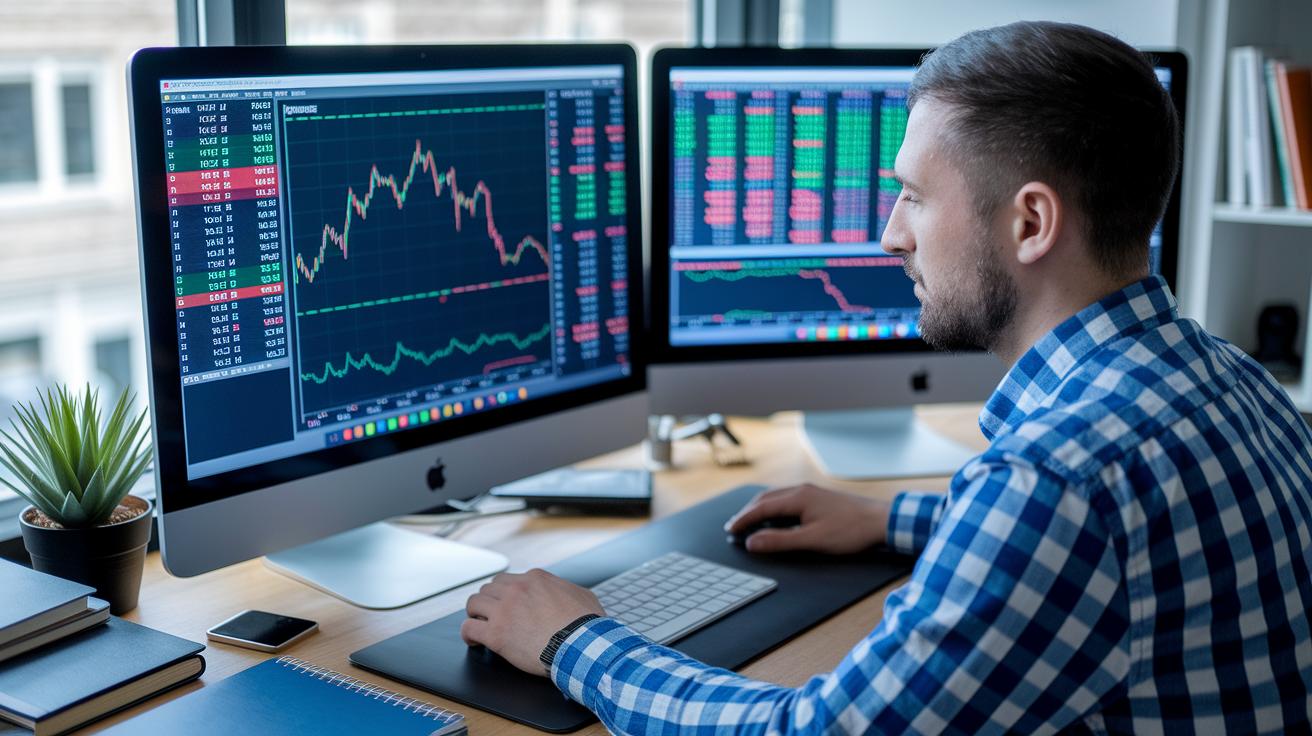
Play around with the timing of your trades and the amount you buy or sell until you find what works best for you. For example, you might wait until the price bounces off a support level before you boost your position. It’s a bit like syncing your moves with the market’s heartbeat when you switch from practice to real trading.
Always set stop-loss and take-profit orders for every trade. In simple terms, this means deciding ahead of time when you’ll cut your losses or secure your gains, like drawing a safety net just below a recent low.
Keep a clear, easy-to-read journal for each trade you make, even if it’s just practice. Write down details like when you entered and exited and why you made those choices. One day, you might jot down, "I saw a dip and set a safe stop-loss based on past lows," which can really help you learn over time.
Don’t limit yourself to one market. Try trading in different asset classes such as stocks one day and foreign exchange the next. This way, you can see how each market reacts and adjust your leverage (that’s simply borrowing money to amplify your trades) accordingly.
If you can, use Level 2 market data. This tool gives you a closer look at the current buying and selling levels, almost like having a playbook to help you pick the best moments to enter or exit a trade.
- Try different timings and adjust your trade sizes
- Always set stop-loss and take-profit orders
- Keep a simple trade journal with clear details
- Explore various markets and tweak your leverage
- Use Level 2 market data to sharpen your trade decisions
Common limitations when using a paper trading simulator
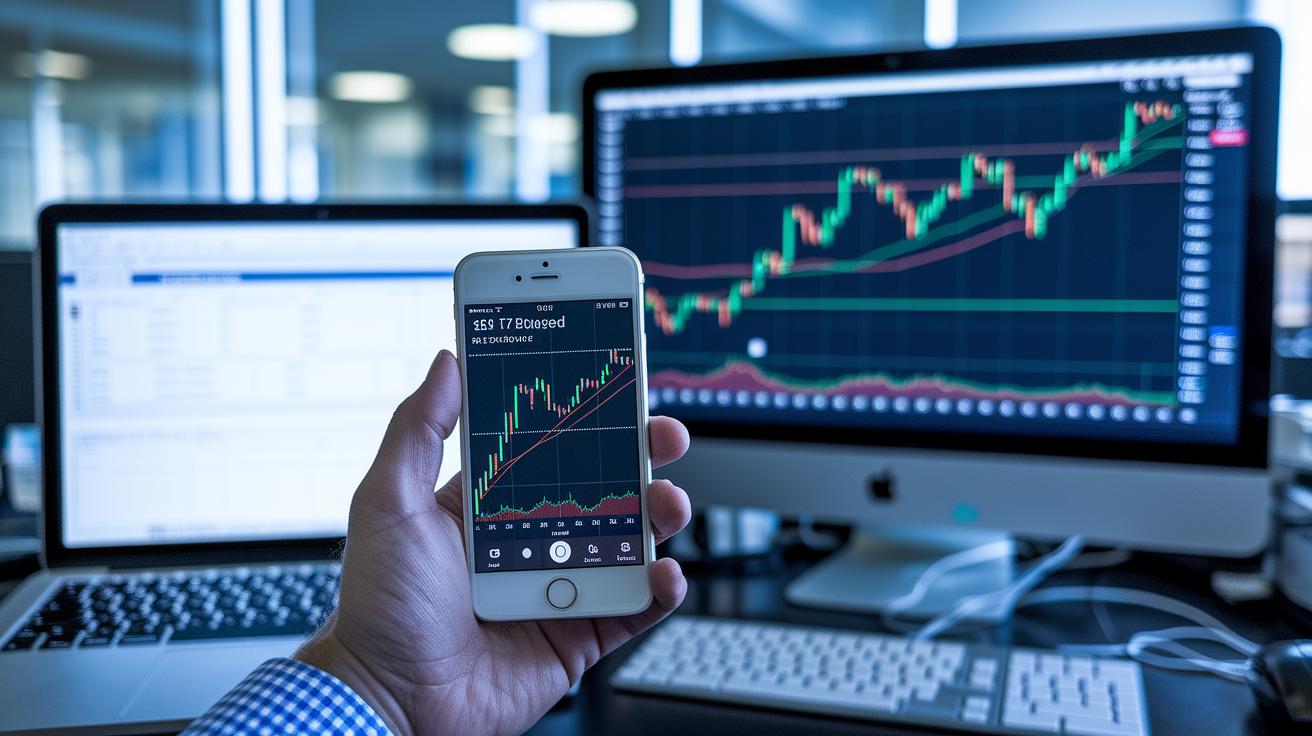
One common downside with many practice trading platforms is that free demos usually have a 15-minute delay in market data. This means you might be making choices based on old information. Imagine trying to buy a stock only to see that the price has already changed. It feels a bit off, right?
Another thing to keep in mind is that trading with a practice account doesn’t bring the same emotions as real trading does. Since you’re not using your own money, you might not get the stress, or even the thrill, that can affect your decisions in a real market. This might lead you to take risks you wouldn’t normally take if real cash were on the line.
Plus, many simulators offer demo accounts that expire after just 30 to 90 days. This can mean losing all your virtual trades and progress before you’ve had enough time to fine-tune your strategies.
Lastly, some platforms miss features like bar replay, which lets you review past price movements. Without it, learning from previous trends becomes a lot harder.
Advanced simulation strategies for experienced traders
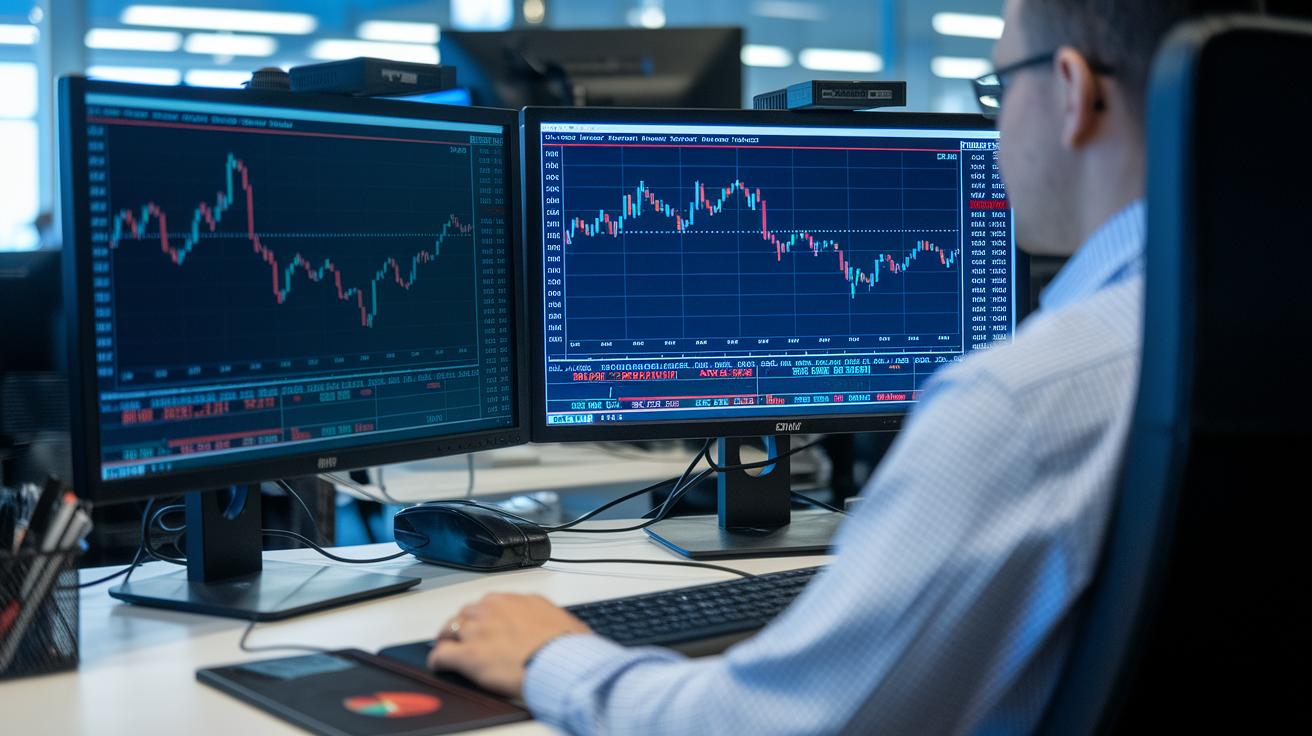
Ready to move on from basic paper trading? Advanced simulation tools give you a taste of real market action without risking your cash. Using professional charts from platforms like ProRealTime and TradingView, you can watch price changes up close, almost like having a smart buddy point out shifts in the market at sunrise. This hands-on practice helps boost your skills before you dive in with real money.
Utilizing professional charting
Practice makes perfect. With advanced indicators, flexible layouts, and drawing tools that let you mark support and resistance levels, you can study your trades like you’d read a live map of market shifts. It’s like having a bird’s-eye view of where to enter and exit with confidence.
Leveraging Level 2 market data
Ever wonder how the pros time their trades? Level 2 market data shows you the bid and ask details in a clear order book. This real-time look is similar to feeling the energy in a bustling crowd, one minute it’s calm, the next there’s a surge. By practicing with this tool, you get a better sense of market depth and liquidity, helping you catch the perfect moments to make your move.
Cross-asset strategy testing
Simulation lets you experiment across different markets like stocks, forex, and crypto. Imagine testing trades where a move in one asset influences another, this is how you build a diverse portfolio that can handle any market twist. High-leverage scenarios even let you see how your margin and risk strategies hold up. Each simulated trial sharpens your approach, preparing you for the pressures of real-world trading.
Choosing between mobile and web-based simulators for paper trading

Choosing a simulator really depends on how and where you trade. If you spend most of your time at a desk, a web-based trading simulator might be your best friend. It gives you full desktop charting and plenty of tools so you can see every detail of your trades. This type comes loaded with visuals and features that help you plan and review carefully.
But what if you're always on the move? A mobile trading simulation app is built for flexibility. With instant push alerts and a simpler design, you can quickly check the market no matter where you are. Sure, mobile apps might not show all the charts because of their smaller screens, but they are perfect if you need speedy updates on the go. For example, WR Trading Simulator is known for its smooth, mobile-optimized experience that works well in your browser.
| Aspect | Web-Based | Mobile App |
|---|---|---|
| Accessibility | Full desktop charting, no install required | Instant push alerts, simpler UI |
| Feature Set | Comprehensive tools and settings | Streamlined core functions |
| Performance | Optimized for detailed analysis | Efficient for on-the-go trading |
| Notifications | Standard email or browser alerts | Real-time push notifications |
| Setup Time | Quick browser access | Fast launch via mobile browser |
For more ideas and detailed insights, you might want to check out these paper trading apps.
The future of paper trading simulators in financial markets

Paper trading simulators are getting a whole lot smarter and more engaging. Soon, smart AI tools will create trading scenarios that shift with your unique style. Imagine being in a training session when the simulator suddenly throws an unexpected twist, like a sudden market jump, so you can practice changing your strategy on the fly.
New machine learning models now mimic real price movements, making these risk-free practice trades feel almost as real as actual market trades. And guess what? New social features mean you might soon be trading ideas and sharing tips with others in virtual classrooms, turning learning into a team effort.
Innovative tech like VR and AR is also on the rise. These cute integrations bring charts to life in a way that's almost touchable, giving you a vivid, real-world feel. Plus, direct API links to live brokerages are emerging, making it super smooth to switch from practice to live trades without skipping a beat.
All these new advancements are set to transform how you learn and play in the trading world, making your practice sessions feel incredibly real and practical.
Final Words
In the action, this article showed how a paper trading simulator works, from launching trades with virtual cash to utilizing real-time market data. It compared various platforms and broke down key features like live charting and multi-asset support. You saw practical steps for risk-free practice and tips to boost your market confidence. All these points come together to help you build solid strategies and adapt quickly in any trading environment. Keep exploring and refining your approach, happy trading!
FAQ
What is a free paper trading simulator?
A free paper trading simulator provides a risk-free way to test trading strategies. It offers a browser-based platform with virtual funds and real-time market data, letting you practice without using real money.
How do I get a paper trading simulator app or download one?
A paper trading simulator app can be downloaded from trusted sources like brokerage sites or app stores. It offers mobile access, real-time market data, and a risk-free environment to develop and test trading strategies.
How does Webull paper trading work?
Webull paper trading mirrors live markets by offering a user-friendly interface with virtual funds. It lets you simulate trades in actual market conditions so you can refine strategies without financial risk.
What features does TradingView paper trading offer?
TradingView paper trading provides interactive charting tools, extensive technical indicators, and real-time data simulation. It lets you practice and evaluate strategies in a virtual, risk-free environment that mimics live markets.
What is the experience like with Thinkorswim paper trading?
Thinkorswim paper trading delivers a robust simulation environment with advanced charting, portfolio tracking tools, and risk management features. It’s ideal for beginners and seasoned traders testing strategies in a safe, virtual setting.
What makes a trading simulator the best or the best trade simulator?
The best trading simulators combine accurate real-time data, multi-asset support, detailed analytics, and an intuitive interface. Platforms like Webull, TradingView, and Thinkorswim are popular choices for practicing and refining trading strategies.
How does a day trading simulator help in practicing quick trades?
A day trading simulator replicates rapid market movements, allowing you to practice quick entries and exits. It gives you the chance to test short-term strategies consistently while using virtual funds with zero financial risk.
Is it possible to make $200 a day day trading with simulators?
While simulators can show profitable strategies, they are practice tools. Real trading involves emotional and market pressure, meaning gains like $200 a day in a live market depend on risk, strategy, and market conditions.
What does the 3-5-7 rule in stocks mean?
The 3-5-7 rule in stocks guides trade timing by suggesting a wait after declines, peaks, or significant news events. It provides a simple framework to plan entry and exit points in the market.
How do platforms like Interactive Brokers, Coinbase, and eToro handle paper trading?
Platforms such as Interactive Brokers, Coinbase, and eToro offer demo or simulation accounts. These let you test trading strategies with virtual funds, though each platform’s features vary, so it’s good to review the details before you start.