


Ever wonder why some investors always seem to be one step ahead? With a smart finance watchlist, tracking your investments isn’t guesswork anymore. Real-time alerts and live market data give you a clear view of your ETFs, stocks, and funds, kind of like having a digital dashboard that updates you on every price move.
In this post, we’re sharing simple and smart tips to set up your finance watchlist. This way, you can keep close tabs on your investments and never miss a beat. Have you ever felt that pause when the market surprises you? Now you can stay ready for whatever comes next.
Setting Up Your First Finance Watchlist

A finance watchlist is a handy, free tool that lets you track ETFs, stocks, and funds while showing you live market data and sending price alerts. It’s like having a digital asset manager that lets you see all your investments side by side with a clear, easy-to-read layout.
Did you know early investors had to rely on bulletin boards to check stock prices? It’s a far cry from today’s real-time market feeds.
Here’s how to set up your own watchlist:
- Log into your platform.
- Create a new watchlist.
- Add the ticker symbols and asset types you want to follow.
- Turn on real-time updates and price alerts.
- Save your list and organize it into custom folders.
Once you’ve set everything up, take a moment to check your data against trusted live feeds. This extra step makes sure your price alerts are working right. Even a small oversight can mean missing out on a big chance, so regular reviews help keep your portfolio tracking on point.
Ever noticed how a tiny tweak can make a huge difference? Keeping your watchlist updated means you’re always in the loop with market changes, enjoying a smooth and responsive online tracking experience.
Platform Comparison for Your Finance Watchlist

Choosing the right platform for your finance watchlist is all about balancing cost, asset coverage, handy analysis tools, and the ease of mobile access. Each option has its own strengths and fits different trading styles. Some are simple to use for basic tracking, while others offer advanced charts, real-time alerts, and detailed analyst ratings to help you manage your investments confidently.
| Platform | Free/Paid | Key Features | Limitations |
|---|---|---|---|
| Google Finance | Free | Essential monitoring, real-time data, asset comparisons | Basic analysis tools |
| Wisesheets | Paid Add-on | Historical data, fundamental analysis, spreadsheet integration | Needs a subscription and setup in Google Sheets |
| TradingView | Free/Paid | Advanced charting, mobile alerts, dynamic analysis tools | Premium plans for full feature access |
Every platform brings a unique mix that might fit your style. Google Finance is perfect if you need quick, straight-to-the-point data without extra frills. If you like a blend of live market feeds and deep historical insights within a familiar spreadsheet, Wisesheets could be your go-to. Meanwhile, TradingView is excellent for those who enjoy rich chart options and mobile notifications to catch the right moment for trades.
- Real-time data
- Aggregated analyst ratings
- Mobile alerts
- Spreadsheet integration
When you think about these factors, you can find the platform that fits your asset tracking needs just right. Automated tracking features can be a real lifesaver when you need fast answers, especially in a rapidly shifting market. Each tool offers its own special advantages, so consider how cost, functionality, and mobile convenience come together to give you the best setup for keeping an eye on your investments.
Customizing Finance Watchlist Alerts and Dashboards

Tweaking your watchlist columns can really change the way you see the market. You can set it up to show key numbers like price, change %, volume, and even an analyst rating. Each piece of data gives you a quick look at how things are performing. It’s like having a smart organizer that only displays what matters to you, so you can easily pick up on trends and shifts in the market.
And what about alerts? Setting up price and news alerts is a neat trick to stay ahead of the game. You can tailor your watchlist to signal you when prices hit your set points or when news stuns the market. These real-time alerts cut out the guesswork and help you time your moves better.
Here are some filters you might consider:
- Sector
- Price range
- Market cap
- Analyst rating
- Performance period
Once you’ve adjusted these options to fit your needs, make sure you save your dashboard layout. This way, every time you log in, your view is ready to give you a clear, updated market glance just for you.
Advanced Analysis with Your Finance Watchlist
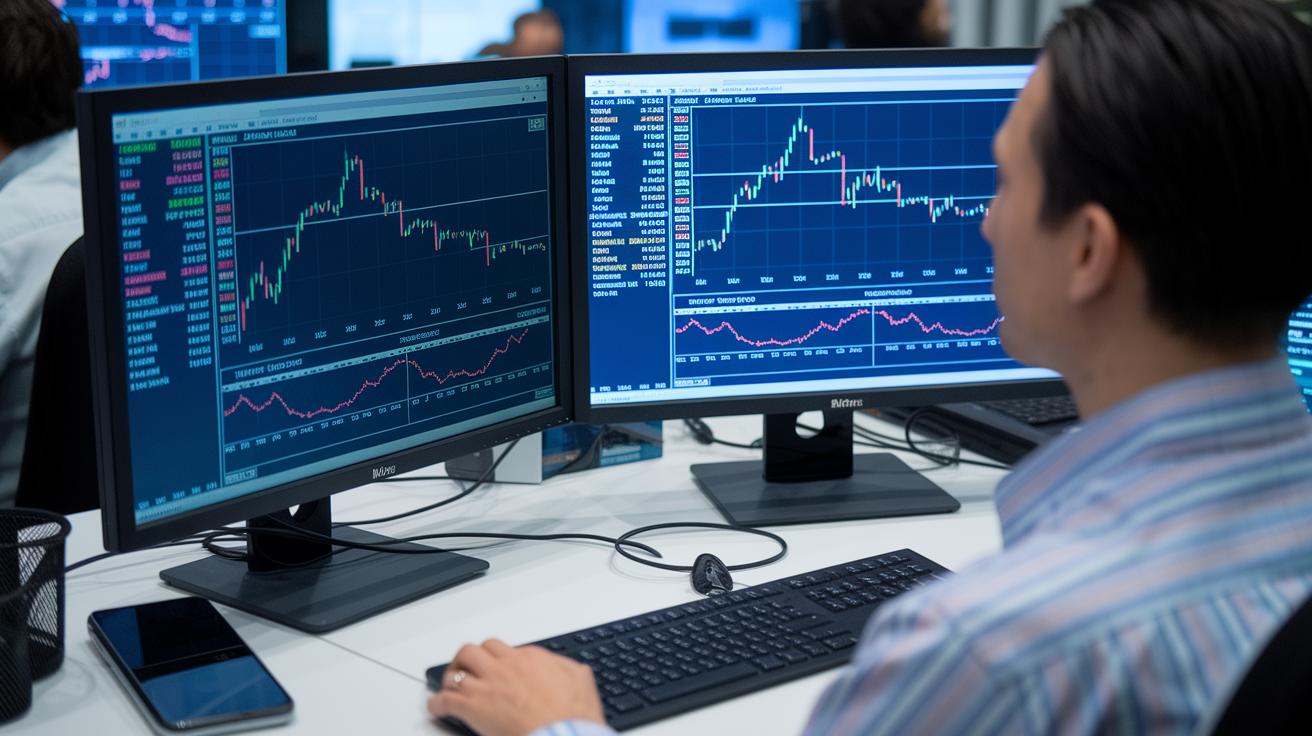
Live market data gives you a front-row seat to the market’s heartbeat. It helps you spot quick, exciting trades that might be on the move. When you work with up-to-date information, you can easily catch trends that hint at good opportunities. And because you see pricing changes as they happen, you can adjust your strategy on the fly, whether you’re making fast moves or planning for the long haul.
Using Trend Analysis Tools
Trend tools are like having a friendly guide for your trading journey. They help you chart moving averages, mark areas where prices hit a floor or a ceiling (think of these as support and resistance), and even throw in extra layers like chart overlays to highlight hidden patterns. Moving averages smooth out daily price bumps, revealing the big picture. The support and resistance lines act like gentle warnings, showing you where prices might pause or bounce back. And those chart overlays? They’re the extra peek that tells you when a trend might be about to change.
Monitoring Analyst Sentiment
It’s not just about numbers. Adding analyst estimates into your mix gives you another look at how the market really feels. Keep an eye on earnings tweaks and news sentiment scores; they capture the mood and can give you clues about why a stock is acting up. Even better, you can set up custom alerts, maybe for when a price zooms past a moving average or when sentiment takes a quick swing. These signals bring a personal touch to your watchlist, making it easier to spot opportunities as soon as they arise.
Integrating Your Finance Watchlist with Portfolio Management

Exporting your watchlist into spreadsheets or portfolio apps lets you see all your investments at a glance. It builds a simple portfolio summary that acts like a review tool. When everything is in one spot, you can easily pick up on shifts in your asset mix. And sometimes, tools connect directly with your favorite finance app, giving you an asset view that makes managing your money less of a hassle. Companion services like Wisesheets blend live data with spreadsheet ease.
API integration or mobile syncing really pushes your finance tracking up a notch. When you link your watchlist with a financial activity dashboard, you get real-time insights wherever you are. This setup turns your watchlist into a lively finance hub, letting you manage securities and even build a portfolio list. For those who love fine-tuning, advanced users can use these links to update faster and check performance on the move.
- Pick the right app
- Give access to your data
- Set up the data fields
- Confirm the sync works
Keeping your data consistent is key to making sure your review tool runs smoothly and gives you reliable snapshots of your financial activity.
Best Practices for Maintaining Your Finance Watchlist

Keeping your finance watchlist in tip-top shape is super important when you’re tracking your assets. Every week, take a moment to clear out clutter and refresh your key numbers so your list truly reflects your investments. This simple check keeps your strategy on point and your watchlist smart.
- Remove symbols that are no longer active
- Update target and stop-loss numbers
- Check out the latest analyst ratings and consensus estimates
- Adjust your sector or allocation weights
- Tweak filters based on recent performance
- Try out new alert rules
By giving your watchlist a weekly tune-up, you create a handy tool that offers clear insights. This easy habit not only boosts your monitoring but also shapes your dashboard into a reliable asset tracker. It’s like having a mini portfolio helper that keeps you ahead of the market.
Final Words
In the action of setting up your finance watchlist, you learned how to create, customize, and optimize a tool that tracks everything from stocks to ETFs. Breaking down each step, from selecting a platform to fine-tuning alerts, made the process clear and easy to follow. This hands-on approach boosts your confidence in managing market shifts and pinpointing trends. Keep leveraging a solid finance watchlist while staying proactive and positive about your investments.
FAQ
What is the Google Finance watchlist?
The Google Finance watchlist is a free tool provided through a Google account. It lets you easily track stocks, ETFs, and funds with real-time pricing and market data updates.
What free finance watchlist apps and platforms can I use?
Free finance watchlist apps include Google Finance, Yahoo! Finance, Investing.com, JStock, and MSN Money. They allow you to monitor live stocks, compare symbols, and receive market alerts without cost.
Where can I find my Google financial watch list?
Your Google financial watch list is found within Google Finance once you log in. It organizes your stocks and ETFs while offering live market updates for managing your investment portfolio.
What are the 10 hottest stocks right now?
The 10 hottest stocks right now are determined by current market trends and analyst ratings. You can view these on real-time stock tracking platforms that update with the latest data and insights.
How can I earn $5000 per day from the stock market?
Earning $5000 per day from the stock market is highly challenging and risky. It typically requires advanced strategies, substantial capital, and a deep understanding of market movements along with professional guidance.
What if I invested $1,000 in Google 20 years ago?
Investing $1,000 in Google 20 years ago would likely have resulted in significant growth, given long-term market gains. Historical trends indicate that such an investment could now be worth many times the original amount.
How does a Google Finance portfolio help me manage my stocks?
A Google Finance portfolio helps you manage stocks by organizing your watchlist, tracking real-time data, and offering an intuitive view of market movements, making it easier to monitor and adjust your holdings.