

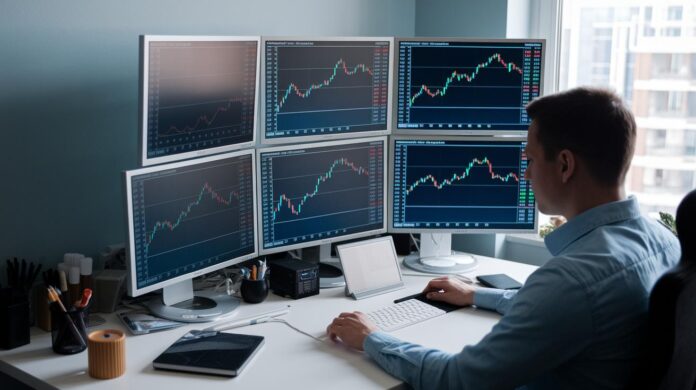
Ever thought your trading setup might be the secret sauce to better performance? When your day trading station is on point, you can act fast and grab every opportunity. Neatly arranged, quality gear makes it a breeze to keep up with the market’s quick moves.
A smart setup can turn your workspace into a true command center, each tool plays its part, helping you make split-second decisions with more confidence. Curious how a tidy station can boost your trading game? Keep reading and let's explore this together.
Essential Components of a Day Trader Setup
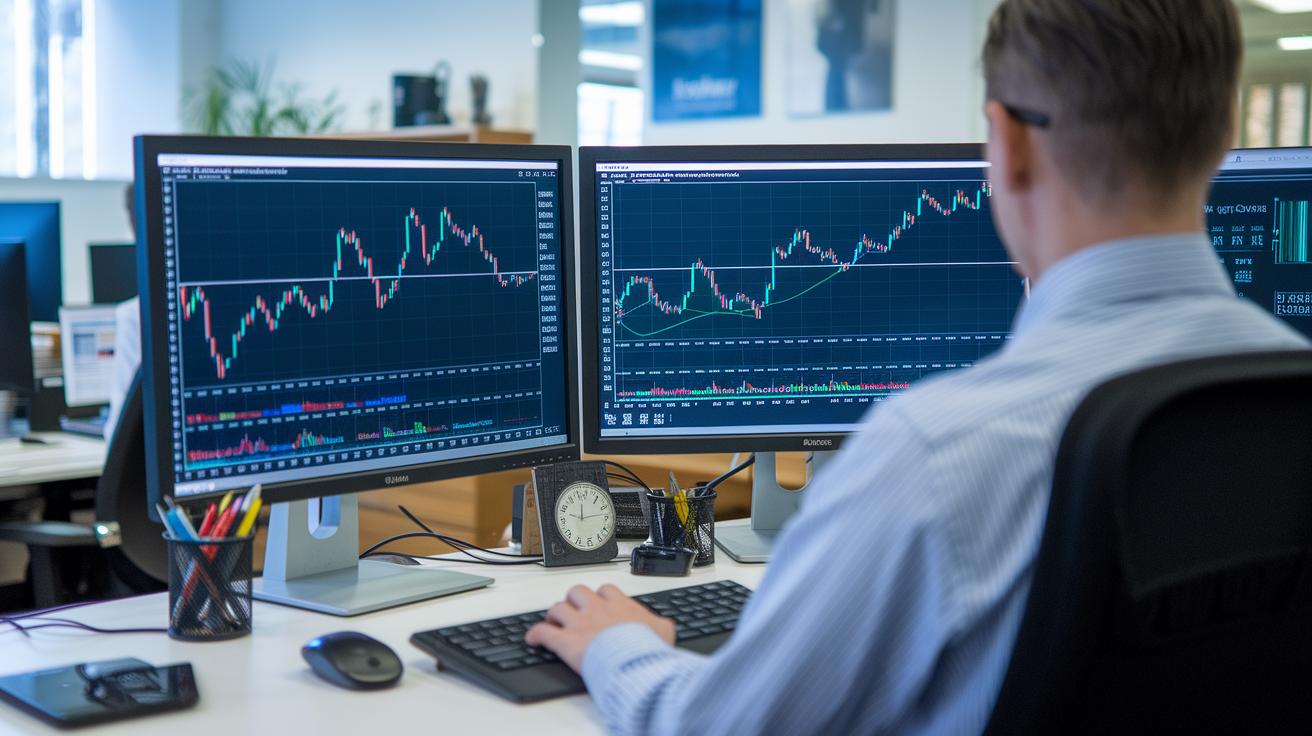
A strong day trader setup means having the right tools to keep pace with a fast-moving market. When you use a high-performance computer, you can view multiple charts and live data streams side by side, giving you a clear picture and that extra edge for quick, confident moves.
Turning your workspace into a professional command center is key. A neat, well-equipped station helps you enter orders rapidly and manage tasks without getting overwhelmed. It's like setting up your own cockpit for trading.
| Component | Description |
|---|---|
| Computer | A powerful computer or laptop with fast processing speed |
| Monitors | High-resolution screens that maximize your view |
| Desk | A spacious desk that fits all your equipment comfortably |
| Chair | An ergonomic chair with lumbar support, adjustable height, and a reclining function |
| Peripherals | A wireless keyboard and mouse to reduce clutter, with extra batteries handy |
| Lighting | LED bulbs that mimic natural daylight to keep you alert |
| Connectivity | A high-speed wired Ethernet connection for low latency and reliable access |
| Power Backup | An APC UPS 1500VA battery backup to protect against unexpected outages |
Having reliable gear matters, especially when every second counts. Fast response times and crisp displays help you catch opportunities the moment they pop up. It’s not just about owning the right tech, it’s about creating an environment where every tool works in harmony to support your trading decisions.
In the end, a well-rounded day trader setup means fewer disruptions, smoother tracking of market movements, and ultimately, better trading performance. It’s like having a well-tuned orchestra where every instrument plays its part perfectly.
Computer Configuration for Trading in Your Day Trader Setup
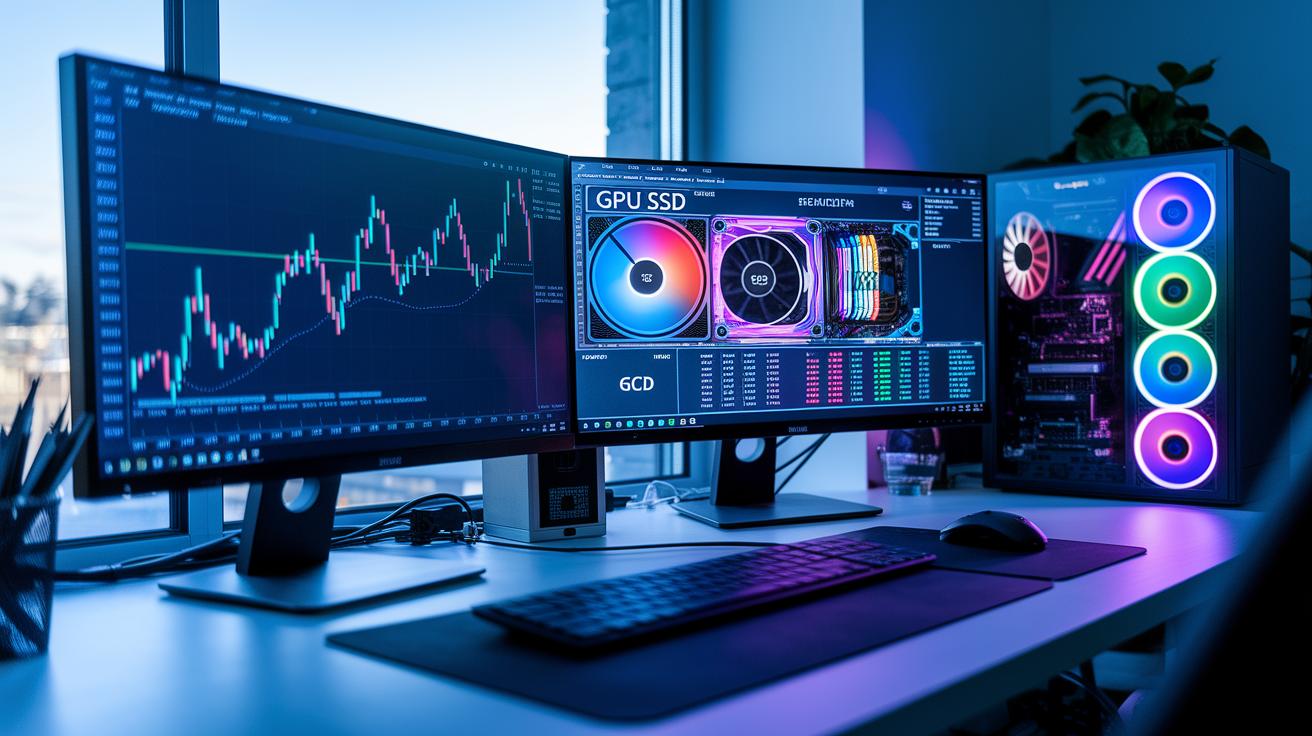
Your trading setup starts with a speedy multi-core processor designed for real-time order processing. With 16 to 32 GB of RAM, your computer can easily run several programs and keep an eye on many stocks at once. Think of it like a sports car zooming down a straight road, with every part working together to give you an edge in the market.
A dedicated graphics card is vital if you're using multiple monitors, it makes sure every screen shows clear, smooth images. An SSD, or solid-state drive, cuts down on boot times and loads your apps quickly, so you’re not left waiting when you need to act fast. It’s like flipping on a light that instantly brightens your entire workspace.
New traders might begin with a high-end laptop because it offers strong performance in a portable package. But more experienced traders often choose to build custom desktop rigs that can be tuned for performance and upgraded as trading demands shift. When every second counts, having the right machine truly makes a difference.
Monitor Configuration and Screen Array for a Day Trader Setup
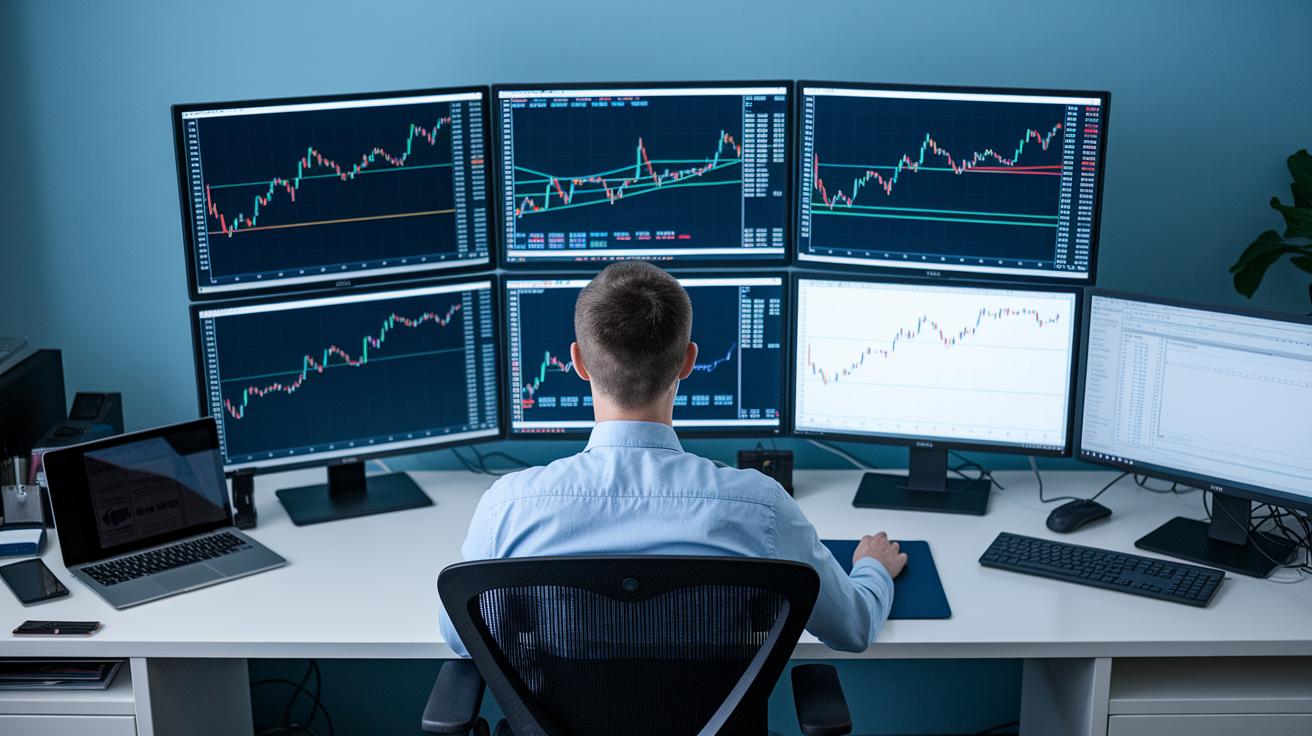
High-resolution monitors are a must-have for any trader who wants to catch every market move. When you work with several screens at once, you can keep an eye on various stocks, different time frames, and a range of trading tools all together. It’s like opening multiple windows into the market so you’re less likely to miss that big moment.
- Dual setup: Great for basic monitoring.
- Triple configuration: Gives you extra screen space without crowding your desk.
- Quad monitor setup: Perfect for detailed charting and juggling several dashboards.
- Six-screen array: Offers a broad view across many trading platforms.
- Ultra-wide display: Puts all your key info on one big, clear screen.
Using adjustable mounts and monitor stands is super important to keep your workspace comfy and avoid neck strain. By setting your screens at eye level, you make sure that the fast surge of data doesn’t wear you out during those long sessions. Plus, smart mounting solutions help keep your desk neat and support your posture, letting you focus on every market opportunity.
Trading Desk Arrangement and Ergonomic Station Design for Your Day Trader Setup
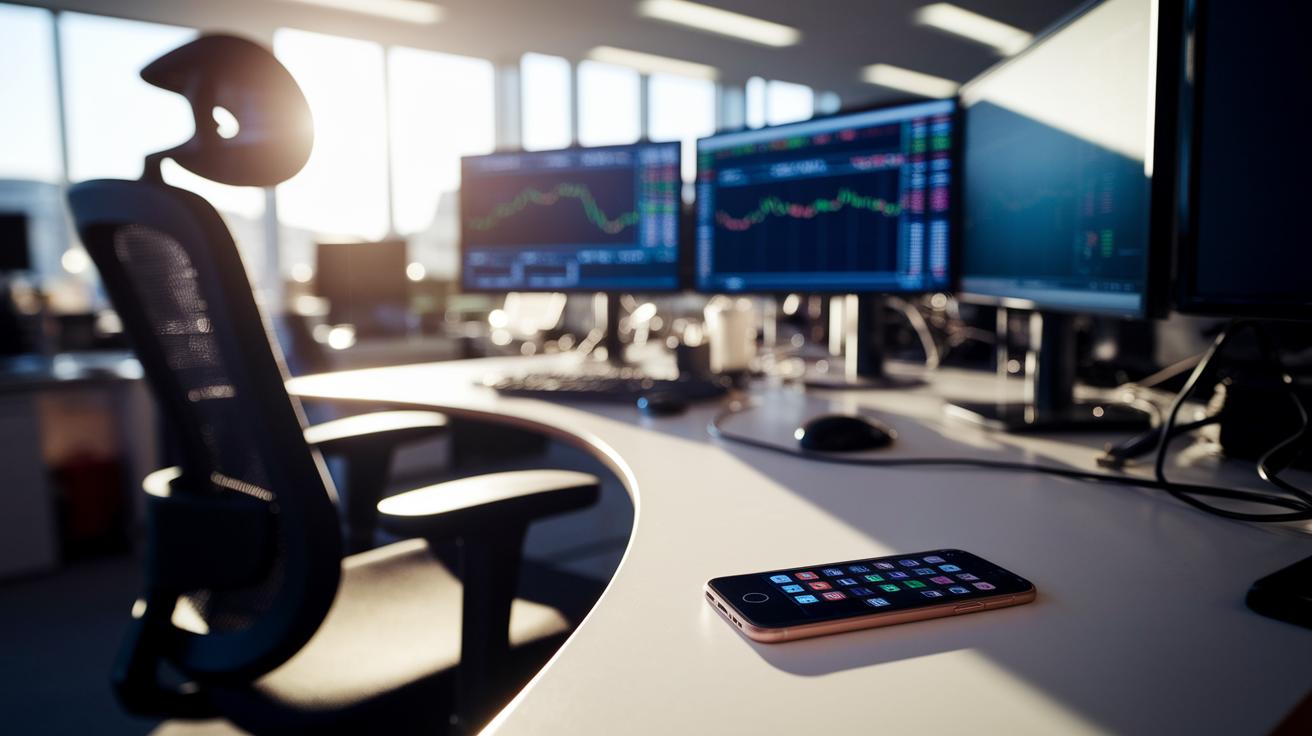
A well-organized trading desk begins with picking a spacious desk that fits all your monitors and keeps your trading gear neatly in place. Choose a desk with an adjustable height so you can position your screens at a comfortable distance to prevent eye strain during those long trading sessions. And don’t skip on a good ergonomic chair, one with lumbar support, adjustable armrests, and a reclining feature can really cut down on fatigue. I recall one trader saying, "Switching to a chair that adjusts easily transformed my long hours into a pain-free experience."
Keeping your cables tidy is key too. Use cable organizers or Velcro ties to prevent clutter and tangled wires, which can distract you when every second counts. Pair this clean setup with smart, daylight-mimicking LED lighting to boost your alertness and help ward off headaches. As another trader put it, "A clean desk with consistent light makes all the difference in a hectic market."
Lastly, think about the overall atmosphere of your workspace. A quiet room, perhaps with noise-reduction panels or controlled acoustics, can significantly reduce distractions. A calm, well-lit, and orderly environment lets you catch every market move, ensuring each element works together to enhance your trading performance.
Software Integration and Digital Tools for a Day Trader Setup
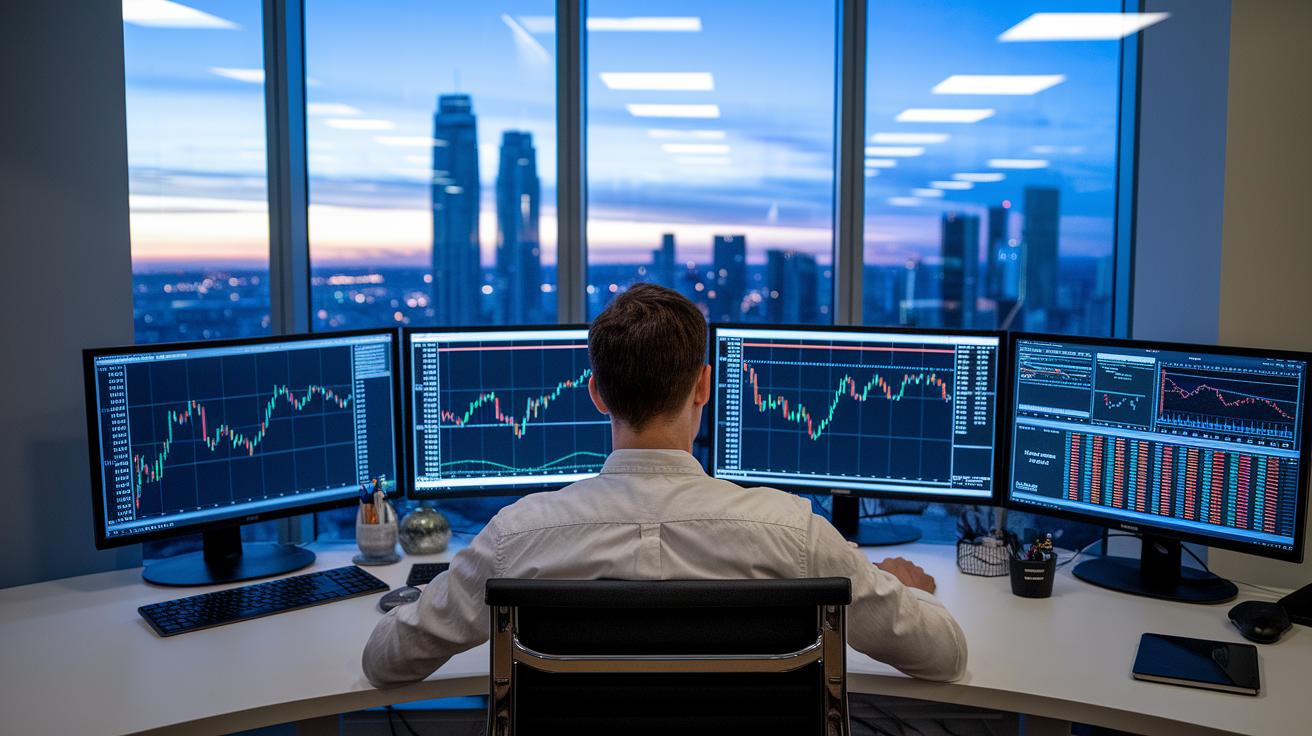
Having the right software in your trading setup is a game changer. It keeps you connected and in tune with every price move and volume spike. Real-time scanners, easy-to-read charting apps, and smart pre-market screeners are like trusty sidekicks, guiding you through the market’s ups and downs so you never miss that big breakout.
Charting Software
Tools like TradingView give you sharp, live charts that help spot trends and patterns fast. They come loaded with extra features and overlays so you can tailor the experience to your style. It’s a bit like having a friendly helper that shows you just what to watch.
Scanners vs Screeners
Think of real-time scanners as a radar that immediately picks up sudden shifts in volume and price. In contrast, screeners help build your watchlist by searching for stocks that meet your specific rules before and after market hours. Together, they set the stage for a well-prepared trading day.
Trading Journals & Brokerage Platforms
Keeping a trading journal is a smart move, it helps you learn from each trade and sharpen your strategies. Many platforms, like Interactive Brokers and ThinkorSwim, offer paper trading accounts where you can practice without risking real money. Plus, dedicated journal tools can log every trade detail, making it easy to review and improve over time.
Connectivity, Power Backup, and Network Configuration in a Day Trader Setup
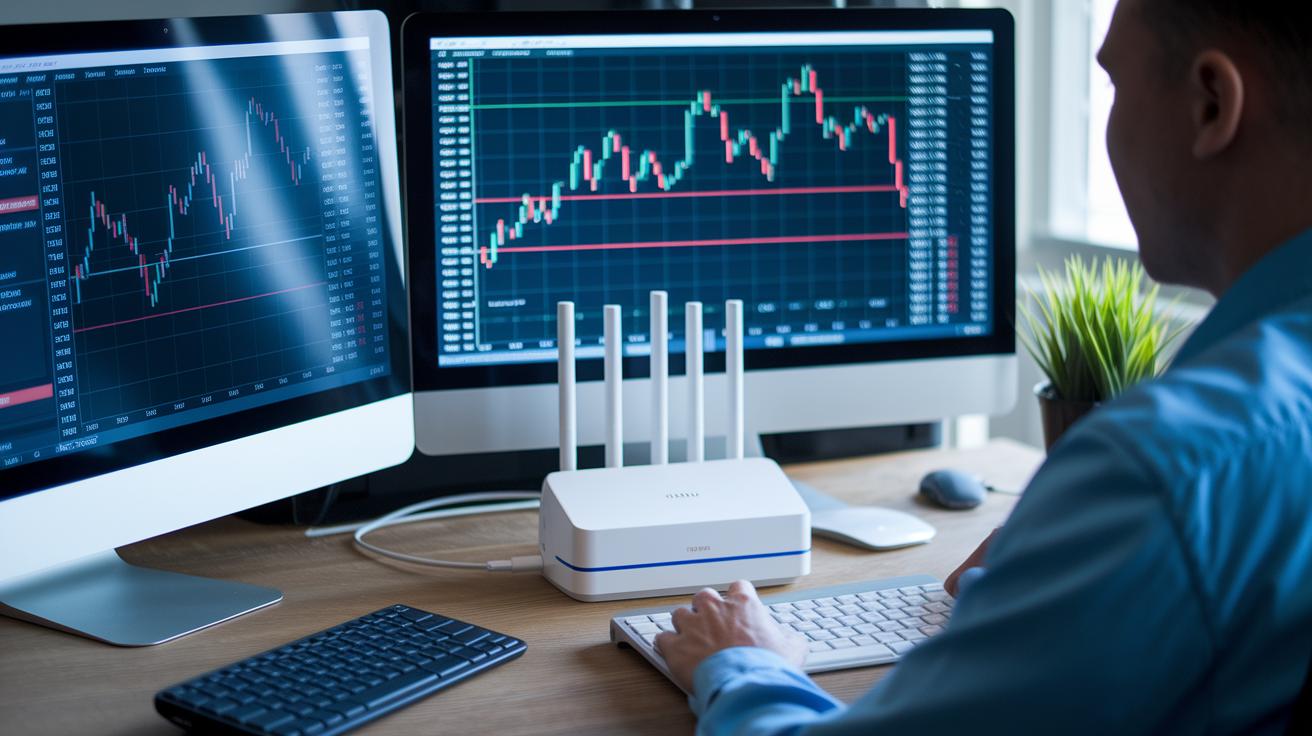
Advanced day traders know that it's not just about having wired Gigabit Ethernet and a UPS; smart network management can really make a difference. Energy-saving routers that keep an eye on real-time data adjust their settings during busy trading periods. For instance, one trader shared how his router automatically tweaked its operations during a trading burst, keeping delays low while cutting down on energy use.
Building on tools like the basic APC UPS 1500VA, many now use surge protectors with live voltage monitoring and alerts. These systems warn you when voltage shifts occur, so you can quickly check that your backup power is ready. One trader mentioned, "My surge protector sent a voltage alert just as a spike began, letting me confirm that my backup plans were in order."
Scaling Your Day Trader Setup: From Beginner Station to Professional Setup
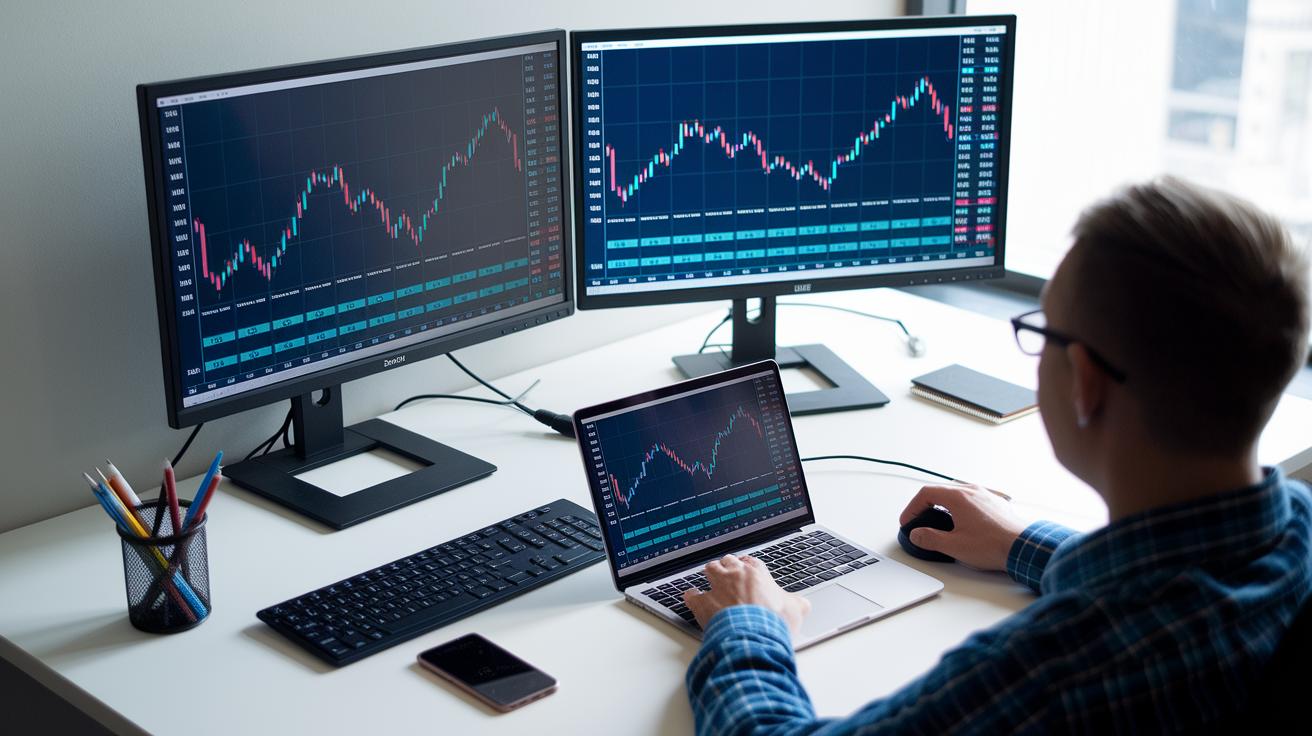
When you’re just starting out, a simple setup is all you need. Imagine a dependable laptop with two monitors, paired with a low-cost broker so you don’t have to worry about big fees. This basic station usually runs around $1,700. It gives you the essential tools to track market trends and place trades confidently, without overwhelming you with too much technology. It’s a great, low-risk way to get into the swing of day trading while you learn the ropes.
As you get more comfortable and gain experience, upgrading your setup can really boost your trading game. You might add extra screens, sometimes up to six, and upgrade your computer’s CPU and RAM. This enhanced setup could push your investment closer to $4,500. At the same time, it’s smart to maintain a margin account with about $25,000 to steer clear of any day trading restrictions set by the pattern day trader rule (which means you need enough funds available to support your trades). And using a risk management strategy like the 5-3-1 rule helps you keep potential losses in check. Some top traders even see daily returns of around 0.47%, while others might have slower growth. In short, a gradual upgrade lets you build confidence and optimize your performance over time.
Final Words
In the action, we broke down what makes a proper day trader setup work. We covered everything from powerful computers and clear screen arrays to ergonomic chairs and reliable network choices. Each piece plays a role in turning market signals into informed moves or quick decisions.
A robust day trader setup means investing in the right gear so you can handle fast market shifts confidently. Keep refining your system and enjoy the progress ahead.
FAQ
What is a good setup for day trading?
A good day trading setup features a high-speed computer with a multi-core processor, several high-resolution monitors, an ergonomic workspace, strong internet connectivity, and reliable power backup to support fast decision-making.
What are the key components of a day trading computer setup?
A day trading computer setup includes a fast multi-core processor, 16–32 GB of RAM, a dedicated graphics card for handling multiple monitors, and a solid-state drive to quickly load applications and data.
What monitor configuration works best for day trading?
A solid day trading monitor configuration uses multiple high-resolution screens arranged side by side. This lets you view charts, prices, and dashboards simultaneously to catch important market signals without delay.
What day trader setup software is essential?
Key setup software includes charting platforms, real-time scanners, and stock screeners. Integrated trading journals and broker tools help track trades and manage orders, making your analysis and execution more efficient.
What do traders on Reddit say about day trader setups?
Discussions on Reddit often highlight modular, budget-friendly setups. Traders share honest hardware reviews and software tips, offering real-life advice on building a streamlined station that meets active market needs.
What is the 3-5-7 rule in day trading?
The 3-5-7 rule sets limits by capping losses at 5% per trade, 3% per day, and 1% per position. This rule helps traders manage risk and maintain discipline during volatile market sessions.
Why is $25,000 required to day trade?
The $25,000 minimum comes from the pattern day trader rule. It’s designed to ensure traders have enough capital to cover potential losses and meet regulatory standards for frequent trading activity.
Can you really make $1,000 a day day trading?
Making $1,000 a day through day trading is possible, but it requires refined skills, substantial capital, and strict risk management. Profits vary widely with individual experience and market conditions.
Where can I find guides like Top 10 Trading Setups PDF?
PDF guides compiling top trading setups provide detailed hardware and software recommendations. They offer ready-to-use tips and configurations that can help you optimize your trading station.