


Ever feel like every second counts when you're trading? Lightspeed Trading is built to seize every moment with speed and precision.
It switches easily between stocks and options, kind of like flipping through your favorite playlists. In this review, we’re taking a close look at how its real-time pricing and strong features might give active traders a little extra edge.
Stick with us as we uncover its benefits and quirks, helping you decide if this fast lane fits your trading style.
Lightspeed Trading Platform Overview & Key Features
Lightspeed Trading is built for active traders who thrive on speed and precision. The platform bundles three powerful tools, Lightspeed Trader, Eze EMS Pro, and Sterling Trader Pro, to help you quickly execute orders and manage commission tiers based on your trade volume. For example, Lightspeed Trader easily switches between stock and options trading by using a blue mode for stocks and a green mode for options. Ever feel like that switch is as smooth as having a dual-monitor setup on a single screen?
These tools are designed to offer lightning-fast order execution and real-time market data, which can be a real game changer when every second counts. With volume-based pricing, the more you trade, the lower your commission gets. This setup is perfect for those who trade actively on a regular basis. If you prefer buying and holding for the long term, though, Lightspeed may not be the best fit since it focuses on execution-driven trades rather than long-term investments.
Each platform keeps things simple and speedy. Eze EMS Pro is available in different versions to balance cost and features, while Sterling Trader Pro comes with handy tools like basket order entry and hot keys to make quick, confident decisions. In essence, Lightspeed Trading clearly stands out for traders who demand immediate action and precision in their market strategies.
Lightspeed Trading Fee Structure Breakdown
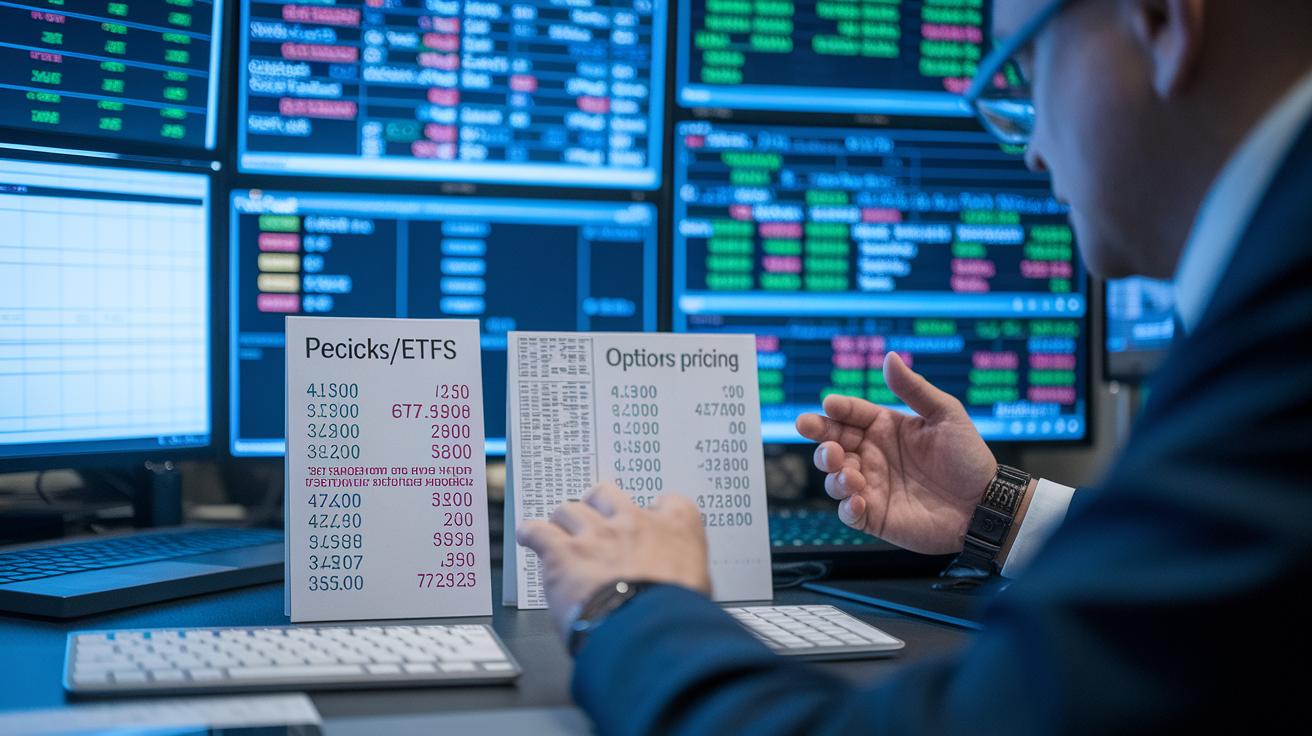
Lightspeed Trading sets its fees with busy traders in mind, so you always know what you’re paying when you make your moves quickly. Their system breaks down fees for stocks and ETFs into two clear pricing plans, like choosing between two favorite recipes, pick the one that fits your trading style.
For options trades, you pay $0.60 for each contract with a $1 minimum per order. If you trade a lot, you can get discounts, but you need to ask for them. This can really help lower your costs once your trading volume picks up.
Futures trades are charged at $1.29 per side, while options on futures cost $1.79 per contract. There’s also a minimum monthly commission fee to keep in mind. This fee can add up if you don’t trade much, so it’s something to look out for.
| Instrument | Fee | Minimum/Notes |
|---|---|---|
| Stocks/ETFs | Tiered rates | Two-pricing options |
| Options | $0.60 per contract | $1 minimum; volume discounts on request |
| Futures | $1.29 per side | |
| Options on Futures | $1.79 per contract | |
| Monthly Commission Minimum | Varies by account | Required or software fees may apply |
Think of these fees as the ticket price to Lightspeed’s fast-paced trading world, where each cost is part of a plan to reward heavy trading. It’s all designed to help you get the most out of your trading experience.
Lightspeed Trading Technology Innovations & Performance
Lightspeed Trading makes placing orders a breeze. It combines fast execution and reliable performance using advanced tools, all seen in one clear view.
Lightspeed Trader stands out with its blue and green modes, each designed specifically for stocks or options. Imagine flipping a switch to change modes, every setup keeps your focus sharp for the trade you’re making.
Eze EMS Pro comes in two flavors: Pro and Express. The Express version is a smarter pick if you’re keeping an eye on costs, since it dials back some extra features without losing its knack for efficient order management.
Sterling Trader Pro makes busy market days much easier. It lets you enter basket orders and use hot keys, so managing several orders feels almost effortless.
You also get a steady flow of live market data paired with controls that adjust based on trading volume. This means you’re always armed with fresh information, helping you act fast even when the market heats up.
Key technology features:
- Dedicated blue and green modes in Lightspeed Trader
- Two software options in Eze EMS Pro (Pro vs. Express)
- Basket order entry and hot keys in Sterling Trader Pro
- Real-time streaming market data feeds
- Volume-based execution controls
Lightspeed Trading Account Types & Access Process
Lightspeed Trading has a range of account types made for active traders. Each one comes with its own set of requirements, like minimum deposit amounts that can be higher when you’re subject to the pattern-day-trader rule (this rule means you make many trades in a short span). If you’re thinking about trading with an IRA account, know that the fees can be some of the highest around compared to other brokers. So, it’s wise to weigh your long-term goals before diving in.
There’s also a minimum monthly commission if your trades don’t hit a certain volume. This means you should think about how often you plan to trade and the size of your account before picking the best option for you.
The plus side? Opening an account is a breeze with a clear, step-by-step process. Here are the five simple steps:
- Pick your account type (Individual, IRA, etc.).
- Complete the online application with your personal and financial details.
- Upload the required identity verification documents.
- Fund your account to meet the minimum deposit and monthly commission rules.
- Download and install your chosen trading platform.
Lightspeed Trading Mobile & Cross-Platform Compatibility
Lightspeed Trading takes its powerful desktop setup and brings it into a flexible world of mobile apps and a web interface. You can keep an eye on your positions, place orders, and tap into the live pulse of market data whether you're at your desk or out and about. It’s like switching from your home computer to your smartphone as easily as changing lanes on a busy road, staying connected every step of the way.
The mobile side of things mirrors the clarity and speed you expect from the desktop version. You get a simple, clean design that lays out all the essential tools and data so you can make quick, informed moves. Starting a trade on the mobile app feels like stepping onto a mini trading floor where everything you need is right at your fingertips.
Lightspeed makes it easy for active traders by tying everything together into one smooth, unified view. No matter which device you choose, you always see the full picture of your portfolio.
Lightspeed Trading vs. Competitors: Interactive Brokers Comparison
When you look at Lightspeed and Interactive Brokers, you quickly notice each broker uses a different fee structure designed for different types of traders. Lightspeed needs you to pay a monthly commission and even charges more for IRA accounts. On the flip side, Interactive Brokers has a tiered rate without a monthly fee, which means you only pay based on the trades you actually make.
Their products also differ a lot. Lightspeed is aimed at active traders and doesn’t offer things like mutual funds or fractional shares, which can limit how you build a portfolio. Interactive Brokers, however, lets you buy fractional shares and mutual funds. This can be a big win if you want to mix different types of investments without putting a lot of money into expensive stocks.
Another point to think about is how each broker handles discounts based on trading volume. With Lightspeed, you have to sign up separately to get a discount on your fees. Whereas Interactive Brokers automatically lowers your fees as your trading volume grows, making it a smoother experience overall.
In the end, your choice might come down to your own trading habits. If you enjoy making a lot of quick trades, Lightspeed’s straightforward fees might be just what you need. But if you prefer having a wider range of investment options and a system that adjusts fees on its own, Interactive Brokers could be the better pick.
Lightspeed Trading User Testimonials & Community Insights
Traders on Lightspeed Trading share real experiences that paint an honest picture of the platform. They love how fast orders get processed and the clear discount levels based on trading volume. One trader even said it feels like shifting into high gear on a race car, with every trade matching their quick decisions.
The community has pointed out several highlights:
- There are separate modes for trading stocks and options, which keeps things clear and focused.
- You can get discounts for trading more, but you have to actively ask for them.
- The live data feed is super reliable, giving you the fast info you need.
- Some traders note that high monthly commission fees can be a bit of a hurdle, especially when trading is slower.
- Not being able to buy fractional shares might hold back those who prefer to hold smaller amounts of a stock.
Many users suggest using Lightspeed along with other day trading tools to get the best experience. This mix of praise and honest feedback gives you a clear look at how Lightspeed performs for active traders.
Final Words
In the action, we explored lightspeed trading, highlighting its standout platforms, fee structures, and cutting-edge tech. We also walked through account setup, mobile access, and how it stacks up against competitors. Each section offered clear steps, real market insights, and honest user feedback. The blog post gave you a snapshot of how these elements come together for active traders. It’s a solid reminder that a thoughtful strategy can pave the way to smarter market moves and a more confident trading future.
FAQ
Q: What is the Lightspeed trading app?
A: The lightspeed trading app is a high-speed client designed for active traders, offering real-time market data and focused workflows to boost trading efficiency and execution.
Q: How do I log in to Lightspeed trading?
A: The lightspeed trading login involves securely accessing the platform through its portal, entering your credentials, and completing identity verification to keep your account safe.
Q: What do Lightspeed trading reviews say?
A: The lightspeed trading reviews highlight robust execution and volume-based commission discounts, though some point out that high monthly minimum fees might not fit every trader’s needs.
Q: What insights does Lightspeed trading share on Reddit?
A: The lightspeed trading Reddit insights feature active trader discussions about fast execution, fee structures, and platform features, offering firsthand experiences and tips from a trading community.
Q: Is there a Lightspeed trading simulator available?
A: The lightspeed trading simulator gives users a risk-free way to test features and practice trading strategies, helping build confidence before committing to live trades.
Q: Which countries does Lightspeed trading serve?
A: The lightspeed trading countries include regions with advanced financial markets and supportive infrastructure, focusing on areas where active trading is well established.
Q: Can I try a Lightspeed trading demo?
A: The lightspeed trading demo allows you to explore platform features like real-time market data and order execution, so you can get a feel for the interface before fully engaging.
Q: How do I contact Lightspeed trading customer service?
A: The lightspeed trading customer service is reachable through online portals and phone support, offering assistance with account questions, technical issues, and guidance on using the platform.
Q: Is Lightspeed trading legit?
A: The lightspeed trading platform is considered legit by active traders, known for its reliable platforms and fast execution, though its fee structure is best for those with higher trading volumes.
Q: What is the minimum deposit for Lightspeed trading?
A: The minimum deposit for lightspeed trading varies with the account type and platform rules, often set higher for active or pattern-day traders to meet regulatory and minimum commission requirements.
Q: Is Lightspeed Trader free to use?
A: The lightspeed Trader is free in part, but trading activities incur fees based on volume and commission rates, so overall costs depend on your trading frequency and style.
Q: How much does Lightspeed cost per month?
A: The lightspeed monthly cost depends on your account type, trading volume, and any mandatory commissions, with low-activity traders potentially facing higher fees due to minimum commission requirements.