


Ever thought about a tool that could sort out your chaotic finances into a neat digital list? Financial software acts like a friendly assistant, organizing your bills and receipts whether you're handling personal expenses or business finances. It helps reduce errors and lets you see in real time exactly where your money is going. With this clever system, keeping track of your budget becomes a breeze, giving you extra time to plan your next move. Give it a look and see how it can make managing your money so much simpler.
Financial software Simplifies Personal and Business Finance

Imagine a tool that brings all your money matters neatly together. Whether you're handling personal bills or running a business, financial software takes over the tedious tasks like keeping track of income and expenses. It’s kind of like turning a messy pile of receipts into a clear, digital journal you can easily read.
This smart tool isn’t just about saving time, it works hard to cut down on mistakes too. It helps you manage your budget, handle payroll, and even prep your taxes without the usual hassle. In simple terms, it frees you up so you can focus on planning future investments or trimming down unnecessary spending.
With everything in one place, you get a clear view of your financial health in real time. Picture knowing exactly where every dollar is going as soon as it happens. The system even keeps careful records that help you meet rules and guidelines, giving you extra peace of mind.
Plus, these platforms come with planning and scenario analysis tools that make complex comparisons, like features and pricing, a breeze. Business owners especially benefit from detailed reports, covering everything from everyday transactions to big money moves. In short, this single system makes it easier to make smart, well-informed financial decisions.
Key Types of Financial Software Solutions for Diverse Needs

Have you ever thought about how different software tools can make handling money a breeze? There are many options tailored to specific needs, whether you’re managing your own budget or running a business. Let’s take a friendly look at nine main types that can help you keep your finances on track.
- Personal Finance Software – This tool helps you set up a budget, plan your money goals, and track debt, all in a simple, clear way.
- Business Accounting Software – Perfect for business owners, it takes care of invoicing, tracks money coming in and out, and manages your books.
- Investment Management Software – If you’re into investing, this software lets you analyze your portfolio and forecast trends, making investment decisions easier.
- ERP Systems – ERP stands for Enterprise Resource Planning. These systems connect your finance, HR, and supply chain tasks, so everything runs smoothly together.
- Payroll Processing Software – This type helps companies run payroll by calculating wages, handling benefits, and even automating tax filings.
- Tax Preparation Software – It organizes deductions and keeps you in line with tax laws, taking the edge off tax season.
- Microtask & Earnings Platforms – For gig workers or anyone earning money from small tasks, these platforms neatly track your irregular earnings.
- Financial Risk Management Software – This software watches market trends and credit risks so businesses can get ahead of potential downturns.
- Financial Super Apps – Want one tool to handle it all? These apps combine banking, investing, and insurance services, letting you manage everything in one place.
So, how do you decide which one fits you best? If you’re managing personal finances, a budgeting or debt-tracking tool might be just right. Small business owners often benefit from integrated accounting or payroll systems. Meanwhile, if you’re deep into investing or need to file taxes, dedicated platforms offer detailed insights and help with compliance. And for those who love convenience, financial super apps merge key functions into a single, easy-to-use bundle.
Take a moment to think about what features matter most to you, whether it’s simplicity, detailed reporting, or smooth integration with your other tools. This way, you can pick the right solution to support your financial goals and keep your money matters running effortlessly.
Feature Comparison of Top-Rated Cloud Accounting Platforms

Cloud accounting platforms help you manage your money online with secure, easy-to-use tools. They blend strong security with smart integration features that work well for both small businesses and larger enterprises.
QuickBooks is a favorite among small businesses because it features a simple ledger and easy bank feeds. Its clear pricing and smooth links to other financial tools make it a reliable and user-friendly choice for everyday accounting.
Xero shines with its easy-to-navigate design, quick updates, and a wide range of connections to other apps. It’s built to grow alongside your business, handling everything from basic bookkeeping to more detailed financial reports.
Cube stands out with a centralized command center that uses AI to enhance financial planning and real-time data tracking. Its workspace supports on-the-spot scenario analysis, multiple currencies, and top-level security, which is perfect if you need deep insights and flexible reporting.
So, match the platform that fits your business’s size and needs by comparing pricing, integration strengths, and security features.
Pricing and Implementation Guide for Financial Software

Many companies now use subscription pricing to save money on finance systems. They often charge based on seats or modules (specific groups of features), so you only pay for what you really need. This makes automating finance processes more accessible by offering plans that grow as your business grows. Whether you’re after basic accounting or a full suite of business finance tools like detailed analytics or cloud tax solutions, you can find a package that fits your needs while keeping costs under control.
Setting up your financial software can feel like getting ready for a big project. The process usually unfolds in five simple steps. First, experts gather your requirements by talking with you about your current workflow and pinpointing what’s essential. Next, the system is configured to match your unique business structure. Then, your old data is carefully migrated into the new system. After that, your team goes through user training so they can get comfortable with all the features. Finally, post-launch support steps in to iron out any issues and help your team adjust, making the switch as smooth as possible.
You might start seeing benefits in as little as six to twelve months. Keep an eye on key metrics and listen to your team’s feedback to track improvements in efficiency and financial oversight. It’s a bit like watching your success dashboard gradually light up as your business enjoys the rewards of streamlined finance operations.
Integration and Security in Modern Finance Software
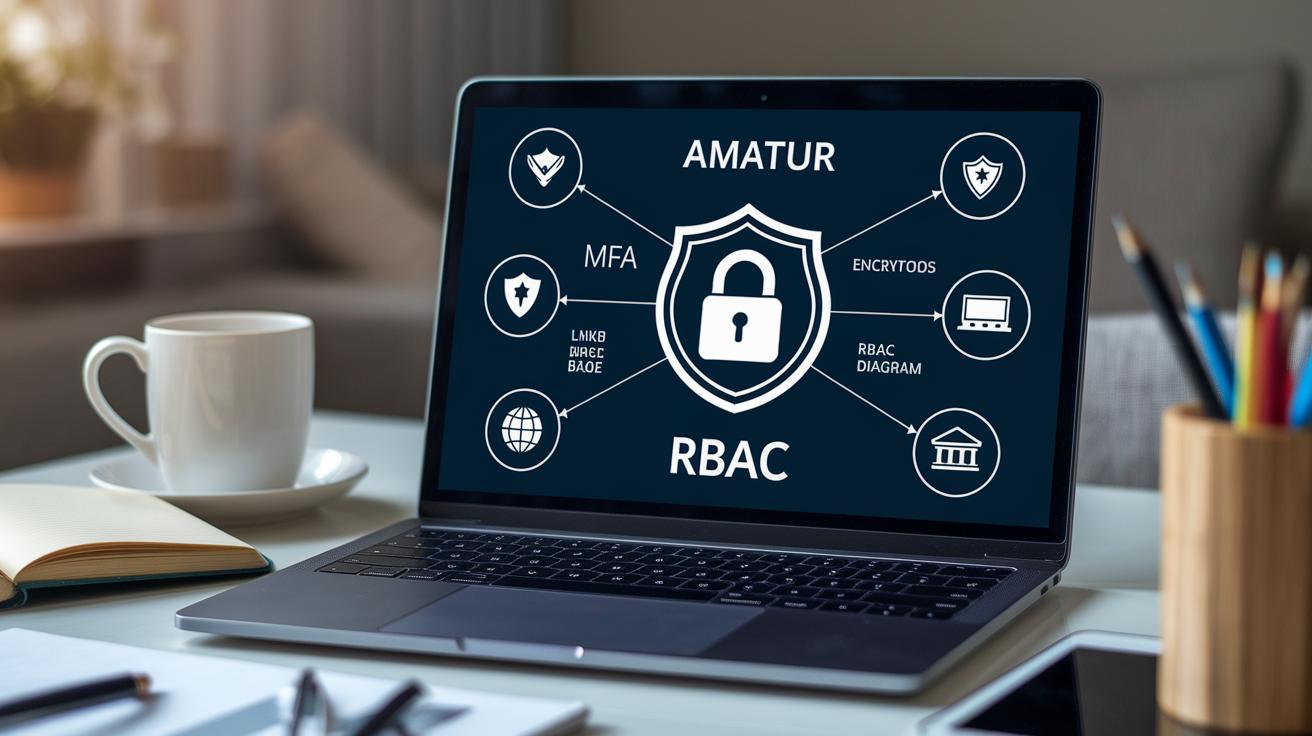
Modern finance software not only shields your sensitive financial info but also makes it easy for different systems to work together. Top platforms use strong cloud security measures, like encryption when your data is stored (it scrambles your info so no one can read it) and encryption while it moves from one system to another. They also add extra locks with multi-factor authentication and role-based access controls so only the right people can see your data. This smart setup keeps your info safe, helps track all the actions for easy audits, and makes sure everything lines up with accounting standards. It even lets you link bank accounts, credit cards, payroll services, and third-party apps without a hitch.
Besides keeping your data secure, these tools let your financial information flow in real time across multiple services. They use APIs (which are like digital bridges) and standard connectors to ensure that your data moves seamlessly. This smooth flow supports daily operations and helps you make smart, strategic choices. It’s a key part of keeping your entire financial setup efficient and in line with compliance rules.
Encryption and Access Controls
Modern platforms use AES-256 encryption, a very strong way to protect your info, so that your data stays safe whether it’s stored or moving along. They also use single sign-on and multi-factor authentication to add extra layers of security. With carefully set permissions, only authorized people get access, keeping everything secure in line with best practices.
API Integration and Data Connectivity
APIs such as RESTful and webhooks let different systems update each other instantly. This means your financial information remains current and dependable. Prebuilt connectors for systems like ERP and payroll make the setup process quick and reduce the need for manual tweaks. Automated reconciliation also helps create clear audit trails, ensuring your financial records stay accurate and compliant.
Real-World Use Cases and Customer Testimonials for Financial Software

At many busy companies, teams using Cube see a big change in how they handle money. Finance experts say they boost forecasting accuracy by 20% and finish month-end work 30% faster using Cube’s Data Engine and handy scenario tools. This clear and powerful reporting has helped companies spot trends and make smarter decisions.
Even everyday finance users notice a difference. They love using interactive budgeting dashboards that pull together data from multiple bank accounts. This easy-to-use tool helps track daily spending and cuts overspending by about 15%. With built-in financial modeling tools, it feels like having a personal advisor guiding your every move, making money management straightforward and even a bit fun.
All in all, these real-world stories show true improvements and happy customers. Big companies celebrate smoother operations and quicker decisions, while individual users enjoy the clarity and simplicity of modern finance apps. It all leads to better financial control, whether you're in a busy office or managing your own budget at home.
Final Words
In the action, this article walked through how a single platform can make money management smoother for both personal use and enterprises. It covered a range of topics, from different categories of tools and pricing details to feature comparisons and real-world success stories.
We ended on a note of optimism by showing how well-chosen financial software can boost decision-making and portfolio performance. Keep exploring these tools to find the best fit for your needs and enjoy a more confident market ride.
FAQ
Frequently Asked Questions
What does personal finance software do?
Personal finance software helps you track spending, create budgets, and set money goals. It combines bank accounts, bills, and expenses in one spot, making money management more straightforward.
What are some financial software examples and are free options available?
Financial software examples include Mint, Quicken, and Excel-based templates. Some options offer free versions or downloads, giving users accessible tools to manage their money without extra costs.
Which financial software options are best for small businesses and overall financial management?
Software for small businesses, like QuickBooks and Xero, supports invoicing, payroll, and reporting. These tools make bookkeeping easier and improve decision-making with streamlined financial processes.
What is the most used financial software and what software is used for finance?
Many users opt for QuickBooks, Excel, or Mint because they combine ease of use with powerful features. These tools serve a broad range of needs, from personal budgeting to robust business accounting.
Is Excel considered financial software?
Excel is considered financial software since it lets you build custom spreadsheets for budgeting, expense tracking, and simple accounting—even though it lacks the advanced functions of dedicated finance programs.
What are some offline personal finance software options?
Offline personal finance software like Quicken stores your money data locally. This approach gives you control over your information and is a great choice if you prefer not to keep your data online.