


Ever notice how some traders seem to guess the next market move so easily? It’s not magic, they’re using smart software with fresh AI insights and easy charts that you can understand at a glance.
These tools give you real-time signals to help you make smarter choices without costing a fortune. In our guide, we look at top picks, from clever pattern finders to flexible platforms, all designed to sharpen your strategy and boost your trading success.
So, are you ready to see how the right software can change the way you trade?
Leading Technical Analysis Software Picks for Traders
Picking the right technical analysis tool can seem hard. Every platform has its own special perks for different trading styles. You need software that gives you fresh AI insights, easy-to-read charts, and prices that work with your budget.
• TrendSpider is known for its smart, automated pattern finder and its AI Strategy Lab. It offers multi-timeframe analysis that helps you spot important trade setups fast. It’s perfect if you like automation and detailed charts without juggling many tabs.
• Trade Ideas uses Holly AI. This smart system runs more than 60 custom-made algorithms to point out real-time trading signals. It stands out with its clear, instant alerts, making it a great choice when you want quick market cues.
• Danelfin brings multi-factor AI analysis that works for both short-term moves and long-term strategies. It fits a range of needs, with a free plan, a Basic plan at $25 a month, and a Pro option for $70 a month , plus, you can try it free for 14 days.
• Tickeron features AI-powered trading robots and solid pattern recognition. Its pricing is flexible too: you can start for free, move to the Beginner plan for $60 a year, upgrade to Intermediate at $15 a month, step up to Investor at $60 a month, or go all-in with the Expert package at $250 a month.
• WallStreetZen’s Zen Ratings works with a 115-factor system mixed with over 20 years of market data. It blends technical analysis with key fundamental insights to give you a richer view of the market.
• Fiscal.ai offers AI-powered financial research that blends predictive analytics with customizable reports. It even lets you start for free, then choose a Basic plan at $24 a month or a Pro plan at $64 a month with a 20% discount if you pay annually.
For a full picture of the market, you might use more than one of these platforms. Using a mix of tools can help cut down on emotional mistakes and give you a clearer view when making trading decisions.
Core Features of Leading Technical Analysis Software
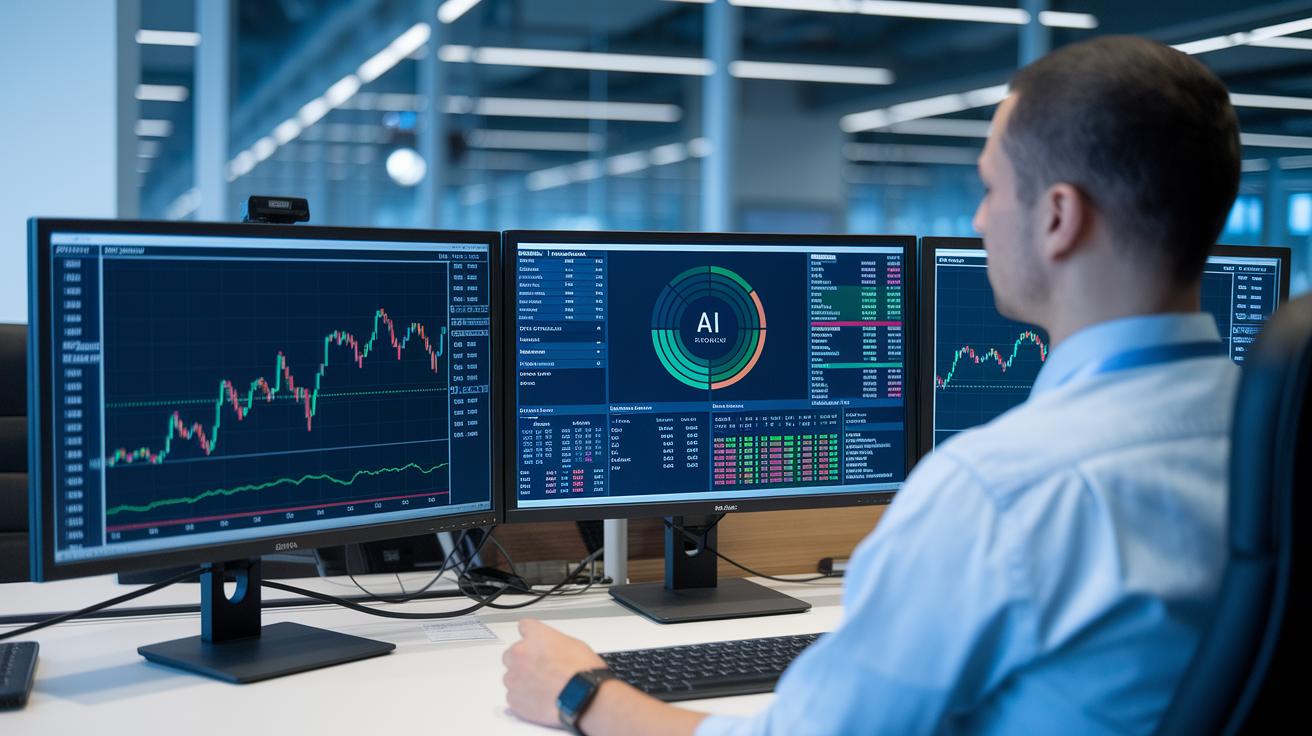
At the heart of the best technical analysis software is advanced charting. TrendSpider’s automated pattern recognition and AI Strategy Lab make it simple to scan multiple timeframes and see stock trends like a dynamic map. It’s like looking through a clear window into the pulse of the market.
Indicator integration with real-time signals helps you catch opportunities as they pop up. Trade Ideas uses Holly AI’s 60+ algorithms for timely alerts, while Tickeron’s AI trading robots spot key patterns in stocks and forex. Imagine it as a friendly tip, gently nudging you at just the right moment.
Robust backtesting and market scanning let you try out strategies without risking real money. With tools like Danelfin’s multi-factor analysis and Fiscal.ai’s predictive analytics, you can simulate past market conditions. It’s like sampling a recipe before you serve it, so you know exactly how it will taste.
Mobile and cloud access put trading power right in your hands wherever you are. WallStreetZen’s Zen Ratings rely on a 115-factor system and over 20 years of data to deliver clear insights on any device. Think of it as having a portable hub that keeps you connected to the market’s pulse all day long.
Pricing Structures for Technical Analysis Software
Free tiers give you a chance to explore powerful technical tools without risking your money. Numerous platforms offer a no-cost start, for instance, Danelfin provides a 14-day trial, Tickeron has a free version, and Fiscal.ai even lets you begin at no charge. It's much like taking a car out for a quick spin before deciding if it's the right fit for you.
Mid-level subscriptions hit the sweet spot between affordability and solid trade signals. These options deliver regular, reliable insights without breaking the bank. Think of these plans as your everyday market updates, offering just the right mix of functionality and reasonable cost.
Premium and enterprise plans are designed for traders who demand more detailed analysis and extra support. These higher-tier options provide richer analytics and personalized features compared to basic plans. It’s like upgrading to a high-performance engine built for precision trade analysis.
Usability and Support in Top Technical Analysis Software

Interface design is a game changer when it comes to making technical analysis feel easy. TradingView, for instance, boasts a friendly Pine Script editor that offers clear market visuals without overwhelming you. ProRealTime also helps simplify things with its drag-and-drop chart features, so you can test out strategies even if you’re not a coding expert. And then there’s TrendSpider, which lets you set up automated, multi-timeframe scans without any code, imagine having a neatly arranged toolbox where every tool is always within reach.
Community support and helpful tutorials add even more value. Platforms like TradingView have lively forums where people swap tips and share sample codes. Regular webinars break down new features into everyday language, like chatting with a knowledgeable friend who guides you step by step. Fun fact: many traders actually saw their strategies improve overnight after attending one of these live webinars.
It’s also great when you can use the same tools on different devices. Whether you’re checking charts at your desk or on your phone, a consistent, responsive design means you’re always in tune with the market. MetaTrader, for example, not only supports MQL scripting but also offers a marketplace with over 5,000 community-built indicators, making cross-platform work feel seamless.
Lastly, solid customer support really wraps the experience up. Trade Ideas, for instance, provides real-time chat help and even offers nightly data updates. Frequent software updates and quick guidance through help centers mean troubleshooting stays simple, so you can focus on making smart moves in the market.
Integration and Extensibility in Technical Analysis Software
API connections form the backbone of a platform’s flexibility. Platforms like TradingView and TrendSpider use APIs to automate order execution with major brokers, making it easier and faster to set up trades. And with Trade Ideas, you get a REST API and a handy browser extension that send algorithmic signals to your devices in real time. It’s like having a live digital channel that effortlessly connects your broker to your technical analysis tools, ensuring every data point is in sync.
Script library management is a smart way to customize your trading strategies. Many platforms let you import your own scripts or add to public indicator libraries, turning standard charting into a creative process. For example, MetaTrader’s Market section offers thousands of add-on indicators and expert advisors ready for you to install. And when you’re setting up these extra tools, Interactive Investment Tool Tutorials break down the installation steps clearly, think of it as mixing your favorite chart annotations with tried-and-true technical overlays.
Third-party add-on workflows add another layer of functionality. Tools such as Fiscal.ai and WallStreetZen let you embed dashboards or export data directly to spreadsheets, acting like a comprehensive market scanner that keeps everything in one place. This setup means you can go from raw data to clear, actionable insights without jumping between different systems, creating a smoother and more personalized analytical environment.
Free and Trial Technical Analysis Software Options

Trying these tools lets you feel their unique ease-of-use for yourself. You can test real-time features like predictive analytics (tools that help forecast outcomes) and user-friendly interfaces to see which one suits your style best.
- MetaTrader: Get free charts with community-created scripts. Its basic indicators are handy, but if you want extra analytics, you might need to upgrade. Try its free charts and see if the simplicity works for your research.
- TradingView: Explore a variety of free chart types and layouts. Some advanced features like multi-chart panels and interactive tools are part of the paid plans, so you can decide later if you need more.
- Danelfin: The free tier comes with AI-driven analytics that quickly highlight market signals. Keep in mind that if you want full backtesting features (testing past market data to see how a strategy would have worked), you'll need to look at the subscription options.
- Fiscal.ai: Its trial focuses on fundamental predictive analytics. You get a basic demo that shows you a taste of its forecasting abilities without the entire suite of reporting tools.
- Tickeron: With its free version, you can try the AI-based pattern recognition and get a feel for its signal detection. For deeper charting and extended features, an upgrade is necessary.
Upgrading these tools means unlocking more advanced backtesting, multi-chart panels, and comprehensive analytics as your trading needs grow.
Final Words
In the action, we explored leading platforms with automated patterns, smart charting, and real-time signals. Each tool offers a unique set of features, from multi-timeframe scans to free trials, so you can see what fits your style.
Our look at integration, usability, and pricing helps build a clearer picture for making confident picks. Combining these strengths lets you master the ups and downs using the best technical analysis software. Keep learning and enjoy every step along the way.